
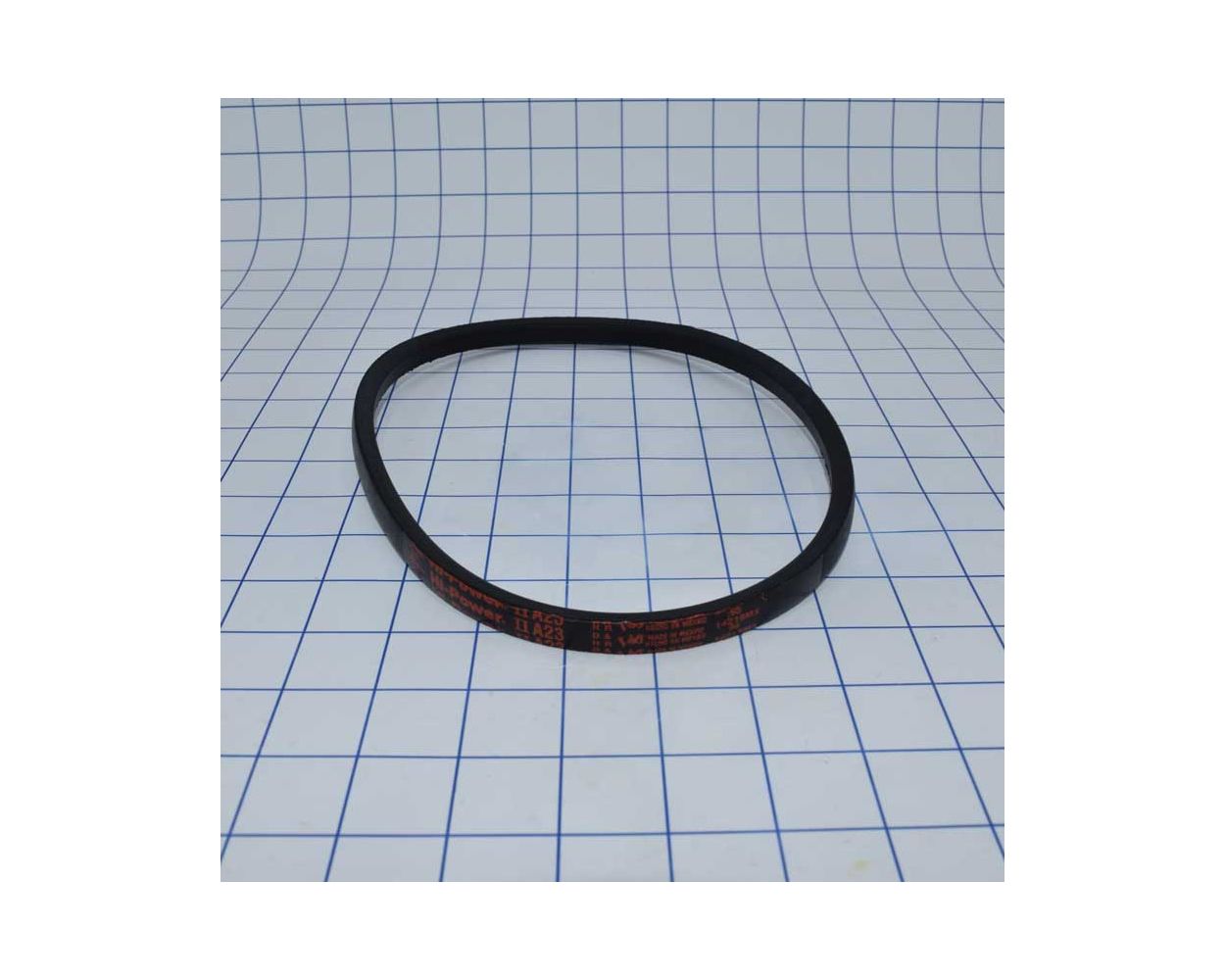

JET VB-A23 Replacement V-Belt


Keep your JET table saw running with the VB-A23 replacement V-belt for JTAS-10, JTAS-12 and JTAS-10XL configurations specifying this part. **3 belts required per saw—sold individually. Order 3 for a complete set.**
Keep your JET table saw running with the VB-A23 replacement drive belt. This A23 V-belt transfers power from the motor to the arbor on compatible JET JTAS-10, JTAS-12 and JTAS-10XL saw configurations that specify part number VB-A23. Check your saw's parts list before ordering to confirm the correct belt for your machine.
3 BELTS REQUIRED PER SAW — SOLD INDIVIDUALLY
Order 3 for a complete set. Ordering 1 purchases one belt, not a set. Three belts are required for the saw configurations listed below that specify VB-A23.
Will it fit my saw?
JET parts documentation lists VB-A23 for these model families in the applicable configurations:
- JET JTAS-10 — 10-inch tilting arbor table saw
- JET JTAS-12 — 12-inch tilting arbor table saw
- JET JTAS-10XL — 10-inch left-tilting arbor table saw
Match the part number, not just the model family. Saw versions can use different drive components. Confirm that your machine's parts list calls for VB-A23; do not assume this belt fits every version of the models above.
Belt specifications
| Part number | VB-A23 |
|---|---|
| Belt type | A23 V-belt |
| Application | Motor-to-arbor drive on saw configurations specifying VB-A23 |
| Parts diagram reference | Item #125 in the applicable motor and trunnion parts lists |
| Belts required | 3 belts per saw in the listed configurations |
| Sold as | One individual belt — order 3 for a complete set |
How many belts do I need?
The applicable JET parts lists specify three VB-A23 belts at item #125. For a complete set, order 3 belts.
Replace all three belts together as a matched set, following the belt manufacturer's matching requirements. Mixing worn and new belts, or belts of different makes or constructions, can cause uneven load sharing.
When should I replace the belts?
Inspect the drive belts for cracks, fraying, missing material or glazed surfaces. Slipping, squealing or unusual vibration are also reasons to inspect the belt drive. These symptoms can have other causes, so check pulley condition, alignment and belt tension before assuming new belts will solve the problem.
Installation tips
- Disconnect power and follow your saw manual's service instructions before accessing the belt drive.
- Release belt tension before removal or installation. Do not pry or force belts over pulley rims.
- Clean and inspect the pulley grooves, check alignment and address worn or damaged drive components before fitting the new belts.
- Install all three replacement belts and set tension according to the instructions for your exact saw. Avoid overtightening.
- Reinstall guards and access covers before operating. Follow the manual's instructions for checking tension after initial use.
Why order from M&M Tool Parts?
Keep your repair organized by shopping for the specified belt by part number at M&M Tool Parts. Have your saw's model information and parts diagram handy when checking the other components needed for the job.
| On Offer | No |
|---|---|
| Buy Together | No |
| Ship Free | No |